Food recognition · Local AI · Web app
Food AIfood photos into recipes
I built Food AI to take a meal photo and return the dish name, ingredients, a recipe, and estimated nutrition. You can fix anything it gets wrong and save the result. A second page brings your scans together in a pantry dashboard.
Runs on my machine.
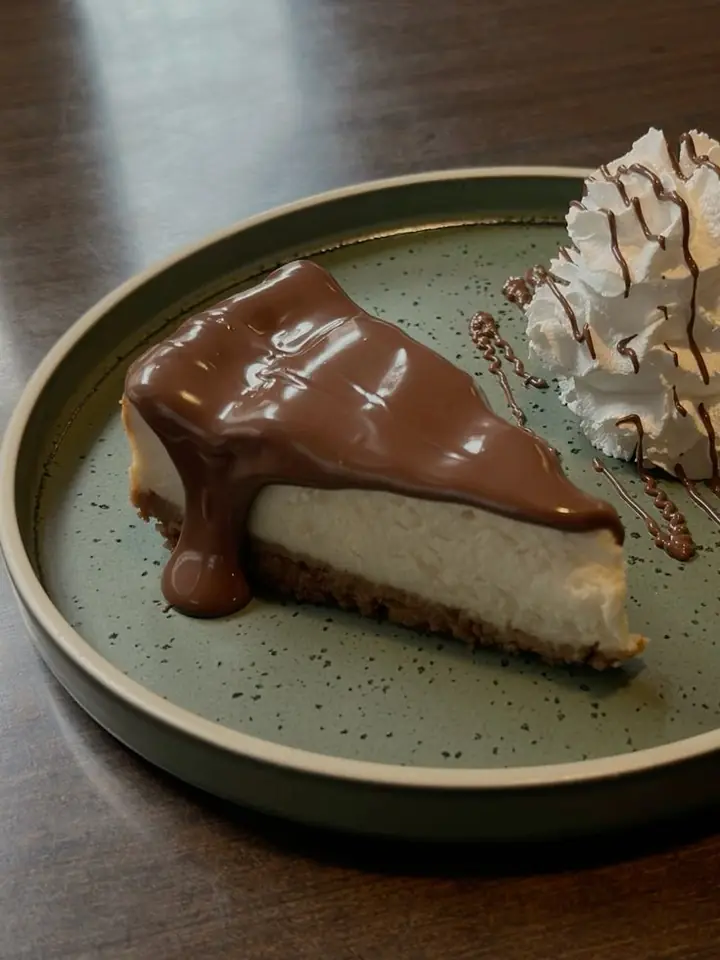 the sample photo
ingredients + recipe + nutrition
the sample photo
ingredients + recipe + nutrition
What I used
- 01HTML, CSS & JavaScript
- 02Node.js server
- 03Ollama + Gemma 3
- 04IndexedDB for saved scans
- 05Canvas for the graphs
No account needed.
How the app works
Add a food photo
Upload a photo, drag it onto the page, paste it, or use your phone’s camera. There’s a sample image too, so you can try a scan straight away.
Run the model locally
The Node.js server sends the photo to Gemma 3 through Ollama. One request returns the dish, ingredients, portions, and cooking steps. Local mode works offline once the model is installed; there’s an optional cloud mode too.
Check the result
The result includes confidence scores and marks which ingredients were visible in the photo. You can rename the dish, edit ingredients, remove them, or add missing ones. Nutrition is calculated from the estimated portions using a local ingredient table, with model estimates as a fallback.
Keep your scans
Photos, results, and your corrections stay in the browser. The pantry page connects dishes through shared ingredients and shows your most-used ingredients, cuisine mix, and nutrition over time. You can export your history and import it again later.
Try the ingredient graph
Hover to explore. Drag to move.
This version uses sample dishes. Hover over egg or garlic to see the dishes connected to it, or drag a node around. In the app, the pantry graph fills up with your saved scans.
What took work
Running the model locally was the slow part. A scan can take a few minutes on a CPU. I shortened the prompt and added a progress panel that shows which stage is running, so you’re not left staring at a loading screen.
The Build
Two pages: Scan + Pantry
Project details
Local mode needs Node.js and Ollama with the model installed. Ingredient amounts and nutrition are estimates.
How I worked
- 01Problem
Logging a meal means typing every ingredient by hand, and most people give up.
- 02People
Home cooks who want to know what is on the plate without filling in forms.
- 03Design
One photo in, editable results out: confidence scores, visible ingredients marked, everything fixable.
- 04Build
A Node.js server and a local Ollama model; scans and the pantry stay in the browser.
- 05Learned
Local scans took minutes, so I shortened the prompt and added a progress panel for each stage.